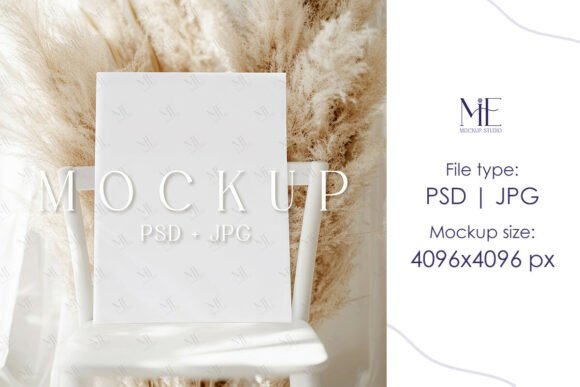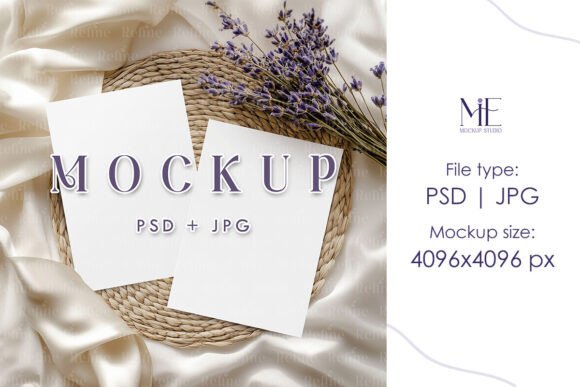
Mastering Your Design Presentation with the Double Invitation Mockup Greeting Card
In the world of design, the final presentation is everything. You've poured hours into crafting the perfect typography, selecting a harmonious color palette, and arranging every element with precision. But how do you showcase this work in a way that truly resonates with clients or customers? A flat, lifeless JPEG on a white background often fails to capture the essence of your design. This is where the power of a high-quality mockup comes into play, and specifically, the versatility of a Double Invitation Mockup Greeting Card.
Why a Double Sided Mockup is a Game Changer
Most invitation designs have a story to tell on both sides. The front captures attention with a beautiful monogram or a striking photo, while the back provides essential details, additional graphics, or a personal message. A single-sided mockup only tells half that story. A Double Invitation Mockup Greeting Card allows you to present your complete vision. It demonstrates your ability to create a cohesive design that flows seamlessly from one side to the other, showcasing your attention to detail and comprehensive design thinking. This is crucial for wedding stationery, baby shower invites, and high-end event cards where every touchpoint matters.
The Anatomy of a Professional PSD Template
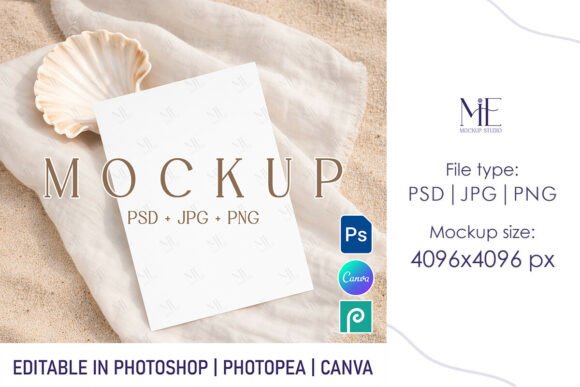
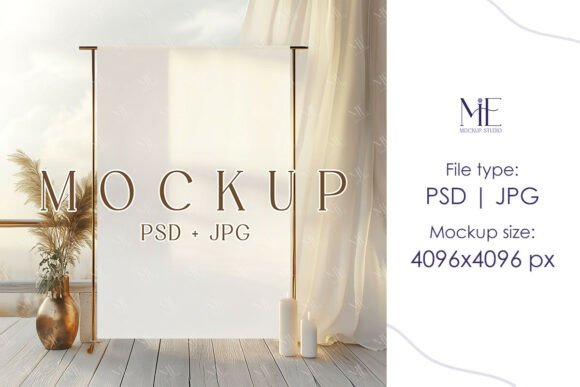
Not all mockups are created equal. The difference between an amateur presentation and a professional one often lies in the quality of the PSD file. A truly professional Double Invitation Mockup Greeting Card template is built with meticulous care, focusing on realism and ease of use.
Smart Object Layers: Your Design's Best Friend
The cornerstone of any modern mockup is the Smart Object layer. This intelligent feature in Adobe Photoshop acts as a container for your design. When you double-click this layer, a new window opens where you can paste your artwork. Upon saving, your design automatically and perfectly conforms to the mockup's perspective, shadows, and textures. This means no more struggling with the warp or transform tools to make your flat design look like it's wrapped around a curved card. The process is instantaneous and foolproof.
Realistic Textures and Lighting
A great mockup does more than just place your design on a shape. It simulates a physical environment. Look for templates that include subtle paper textures, realistic drop shadows that adjust based on the card's angle, and soft, natural lighting. These elements combine to create a sense of tactility, making the viewer almost feel the weight and texture of the cardstock. This level of realism is what sells the final product, whether you're presenting to a bride-to-be or listing a design on Etsy.
Practical Applications for Modern Creatives
The utility of a versatile mockup extends far beyond a simple portfolio piece. It's an active tool that integrates directly into modern creative and business workflows.
- Client Presentations: Instead of showing a static proof, present your invitation design in a realistic, lifestyle context. Place the Double Invitation Mockup Greeting Card on a marble tabletop with a sprig of eucalyptus. This helps clients visualize the final product in their hands, significantly increasing approval rates.
- E-commerce and Shop Listings: For designers selling pre-made templates or custom services, compelling imagery is non-negotiable. A professional mockup elevates your product listing, making it stand out in a crowded marketplace. It communicates quality and professionalism before a customer even reads the description.
- Social Media Marketing: Create stunning Instagram posts, Pinterest pins, or Facebook ads that stop the scroll. A beautifully rendered mockup can be the centerpiece of a promotional campaign for a new design collection or a seasonal sale.
- Portfolio Enhancement: Move beyond simple screenshots. A well-curated portfolio using high-end mockups demonstrates to potential clients that you are a designer who cares about presentation and understands the end-user experience.
What to Look for in Your Next Mockup Purchase
When searching for the perfect template, consider these factors to ensure it meets your needs and streamlines your workflow.
Resolution is Key: Always opt for high-resolution files. A template offering a 4096x4096 pixel JPG output ensures your final images are crisp and clear, whether viewed on a retina display or printed in a brochure. This is especially important for showcasing intricate design details.
File Organization: A well-organized PSD file with clearly labeled layers and groups makes the customization process a breeze. You shouldn't have to waste time hunting for the correct Smart Object layer among dozens of unnamed ones.
Customizable Elements: The best mockups offer flexibility. Can you change the background color? Can you adjust the shadow intensity or move elements around? Look for templates that give you creative control to match your brand's aesthetic.
Instant Access and Support: The beauty of digital downloads is immediacy. After purchase, you should receive your files instantly. Furthermore, check if the creator offers support in case you encounter any technical issues with the file.
Seamless Integration into Your Design Process
Imagine you've just finalized a delicate floral design for a wedding suite. Your artwork is a flat, rectangular canvas. With the Double Invitation Mockup Greeting Card template, the transformation is magical. You open the PSD, locate the front Smart Object, and paste your floral design. A quick save, and it's perfectly draped over the card with a gentle shadow. You then do the same for the back, perhaps with a complementary pattern or text details. In under a minute, you have a photorealistic image of your design as a physical object, ready to be shared with the world.
This efficiency is invaluable. It removes the technical barriers of photorealistic rendering and lets you focus on what you do best: designing. It transforms your presentation from an afterthought into a powerful part of your creative expression and business strategy. By choosing a high-quality, editable template, you're not just buying a file; you're investing in a tool that will enhance every project it touches.